
Limit short videos by count, not by time.
ScrollLimit lets you decide how many YouTube Shorts and TikTok videos your child can watch each day. Regular videos, homework and learning content stay available.
- No ads
- No subscription
- No account needed
- Data stays on device
Time limits don't stop endless scrolling.
Short videos are built on endless scrolling. Hundreds of videos fit into a 30-minute time limit, and a child can't tell how much is left. ScrollLimit sets a clear limit everyone understands, like "at most 10 short videos today".
Set up in four steps
- 1
Install and set a PIN
Choose a PIN so that only a parent can change the settings.
- 2
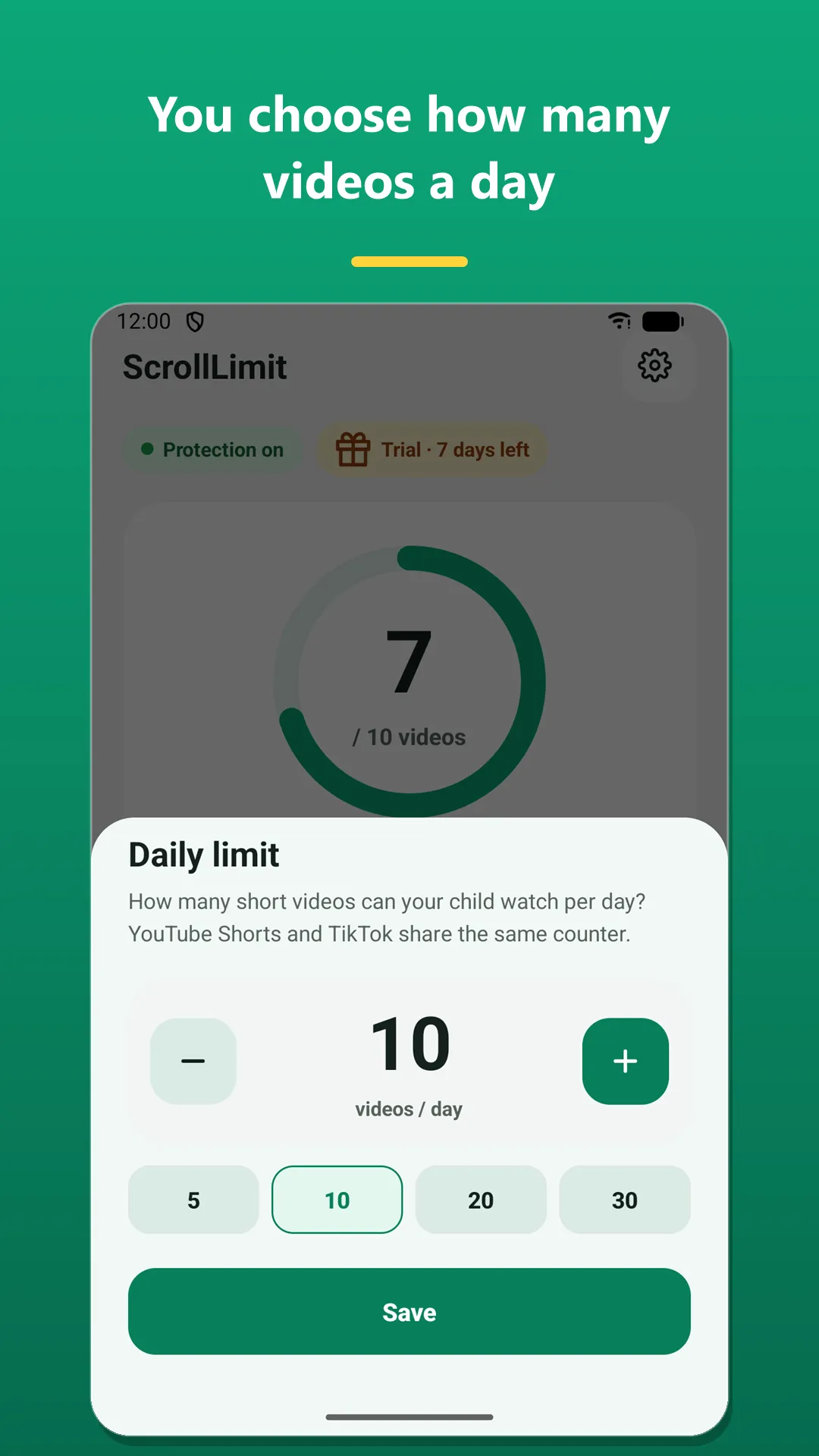
Pick a daily limit
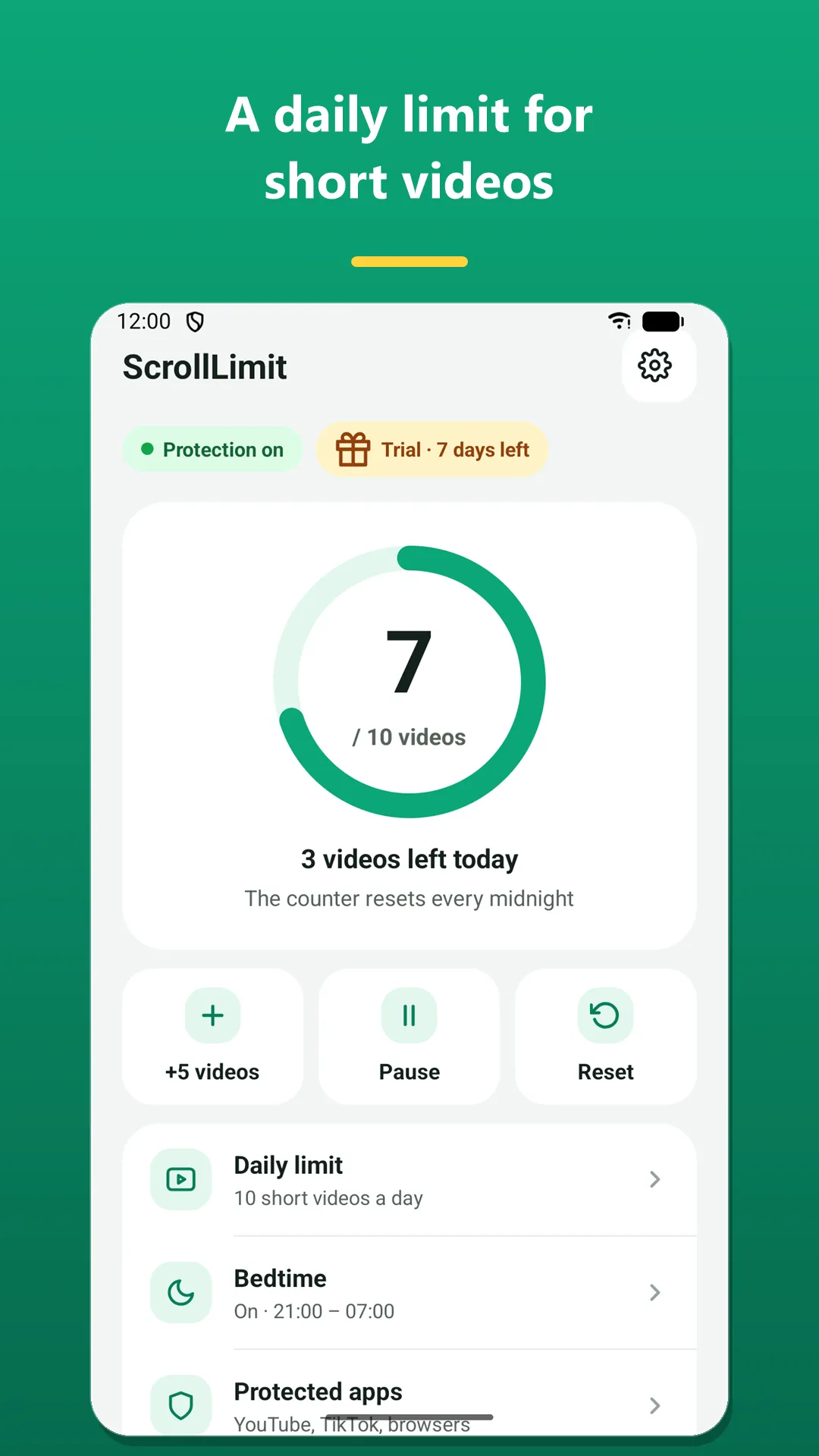
For example 10 short videos a day. Change it whenever you like.
- 3
Every video is counted
Each new short video that opens is counted automatically.
- 4
It stops at the limit
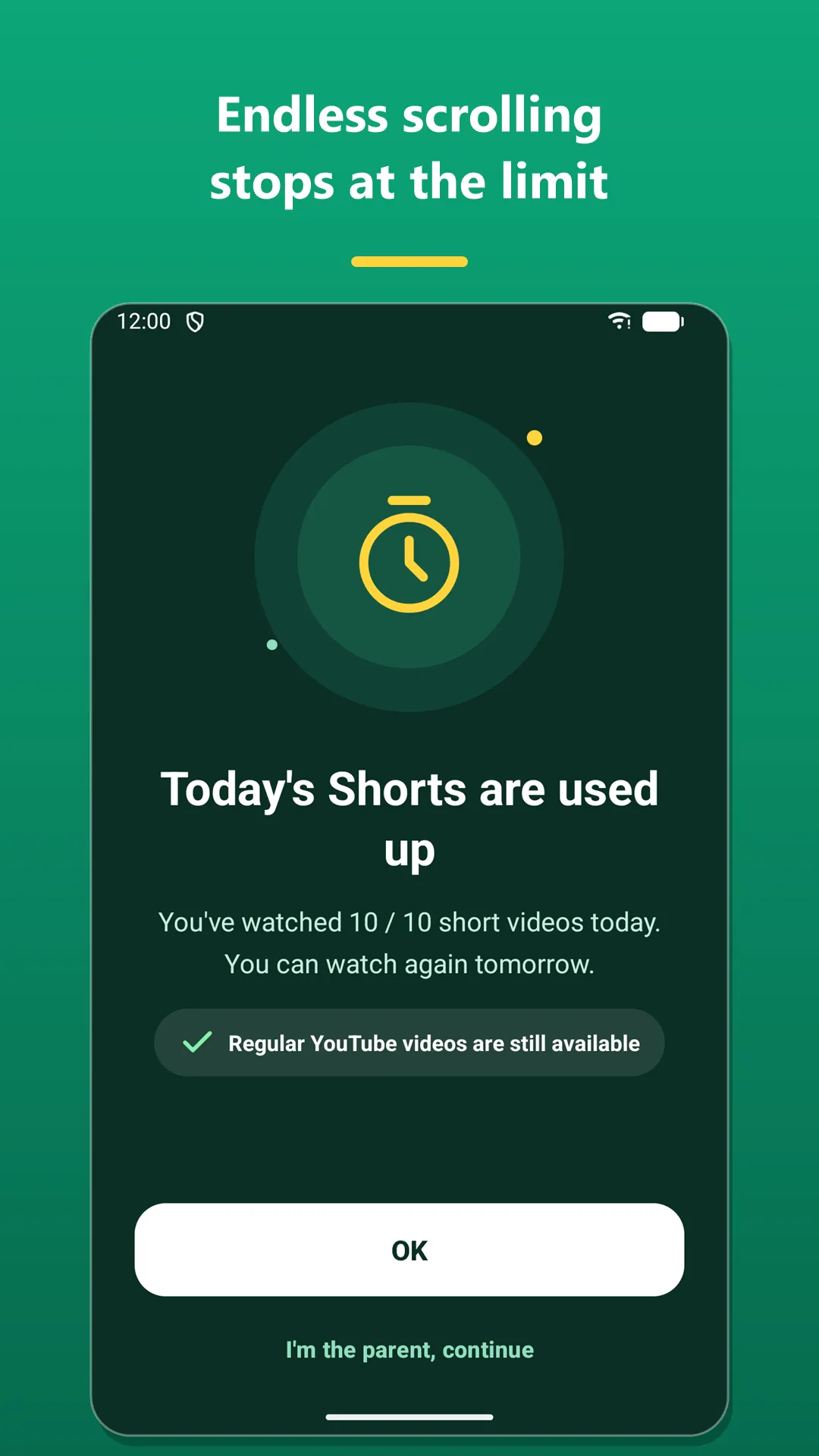
Short videos close and your child sees a friendly block screen. The counter resets every midnight.
Screenshots
Start free, upgrade to Premium if you like
Free
Core protection, forever
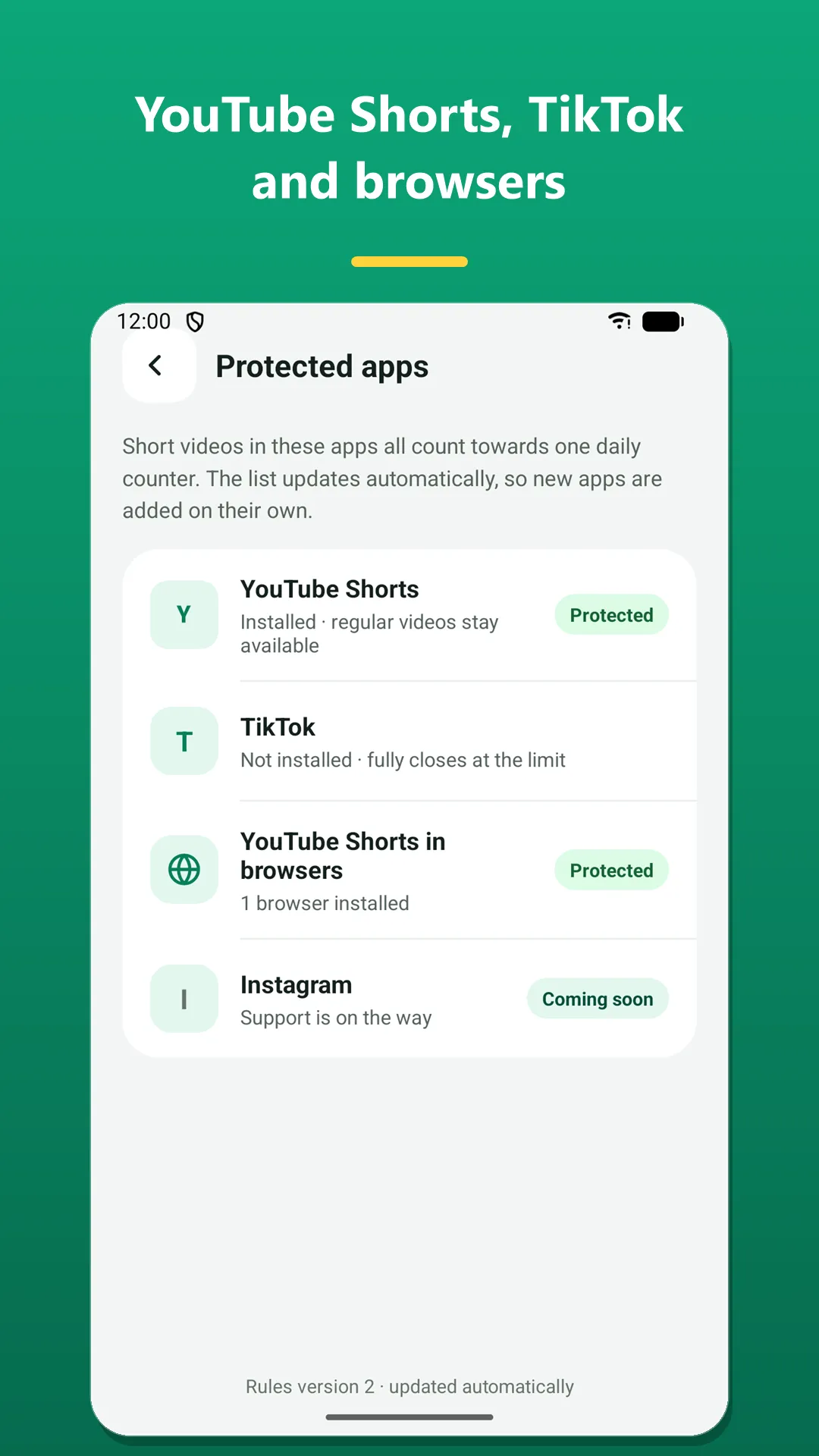
- Shorts limit in the YouTube app and browsers
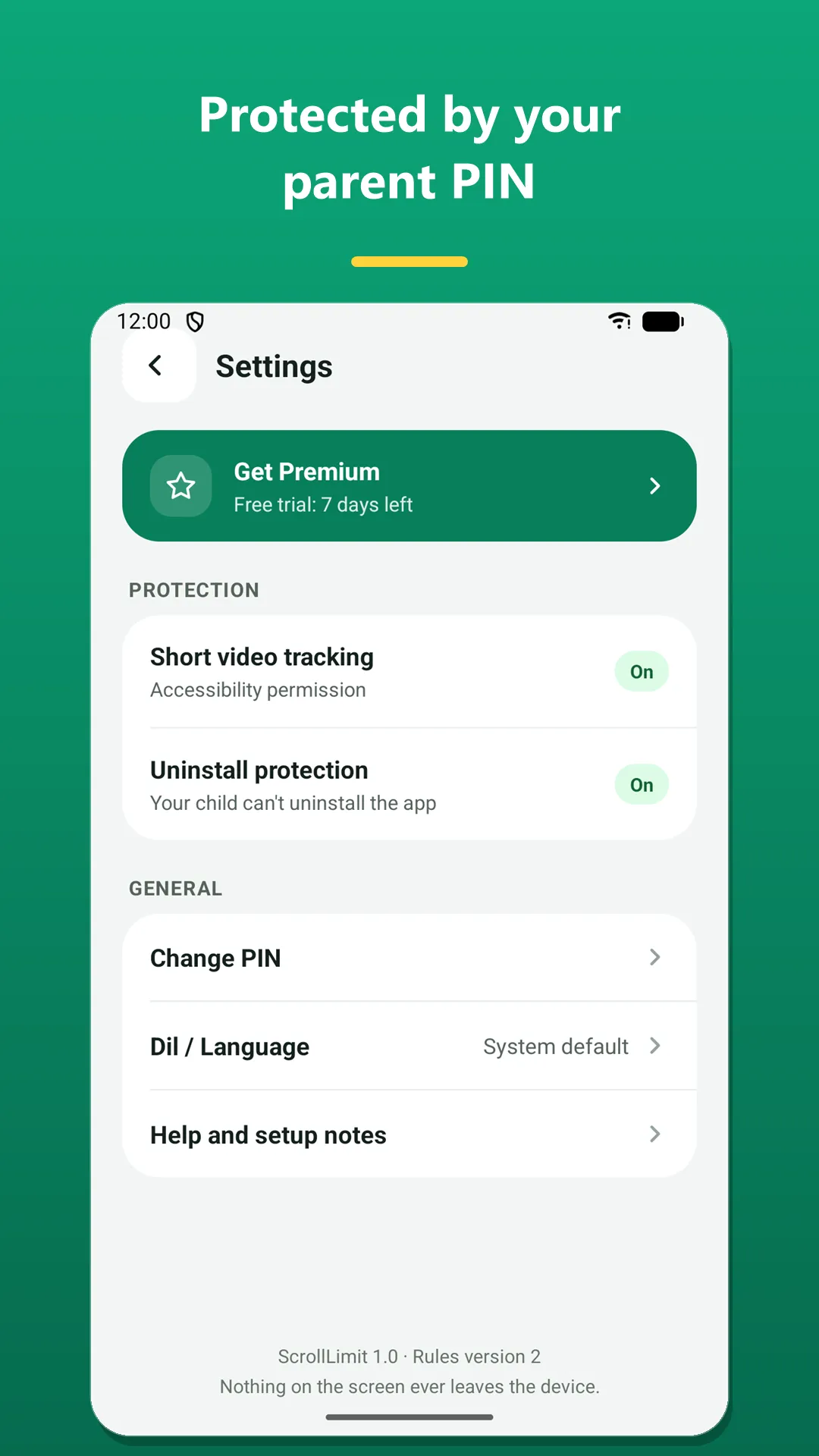
- Parent PIN that protects settings
- Uninstall protection
- Pause while a parent uses the phone
Premium
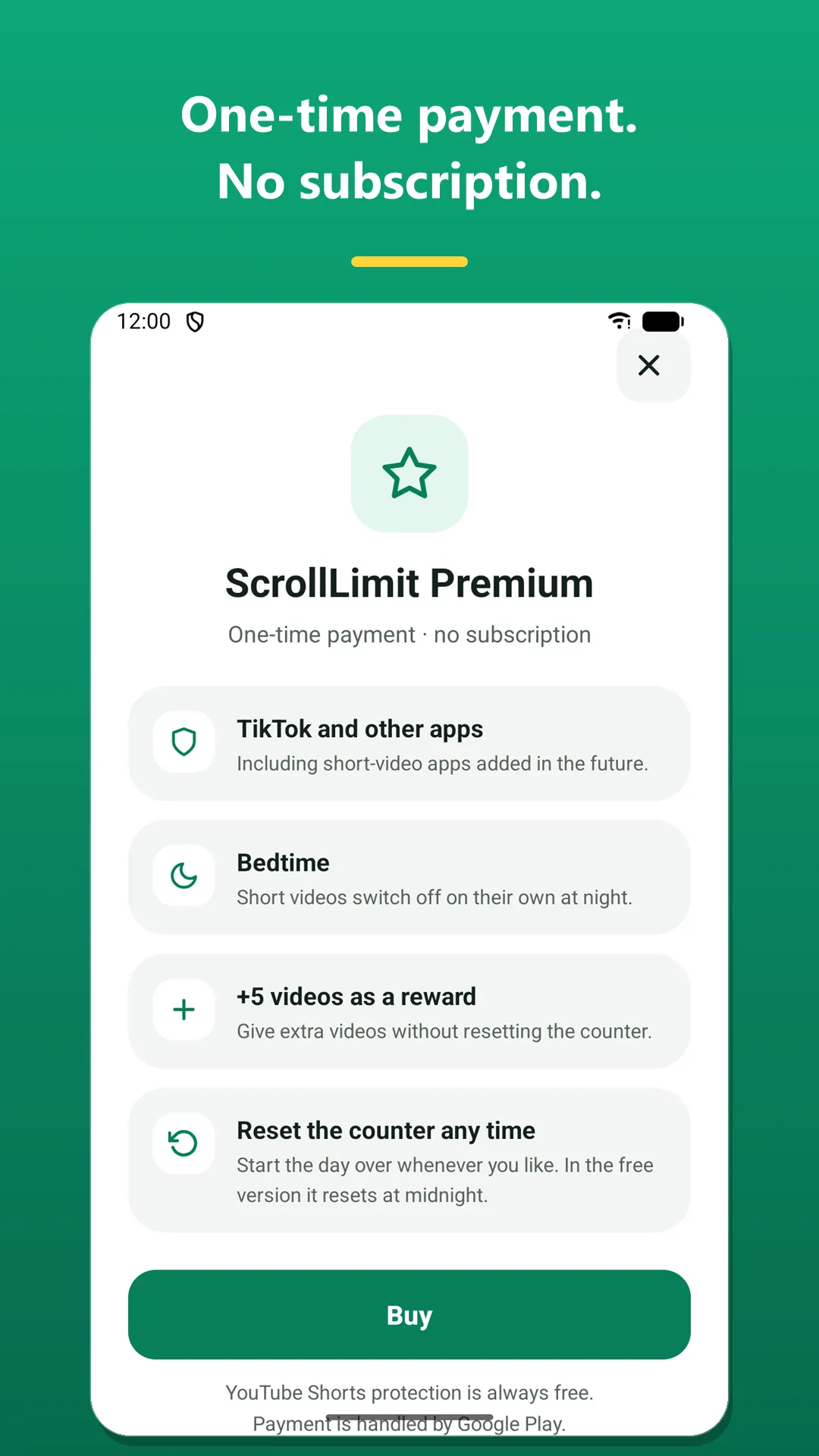
One-time payment · no subscription
- Everything in Free
- TikTok protection
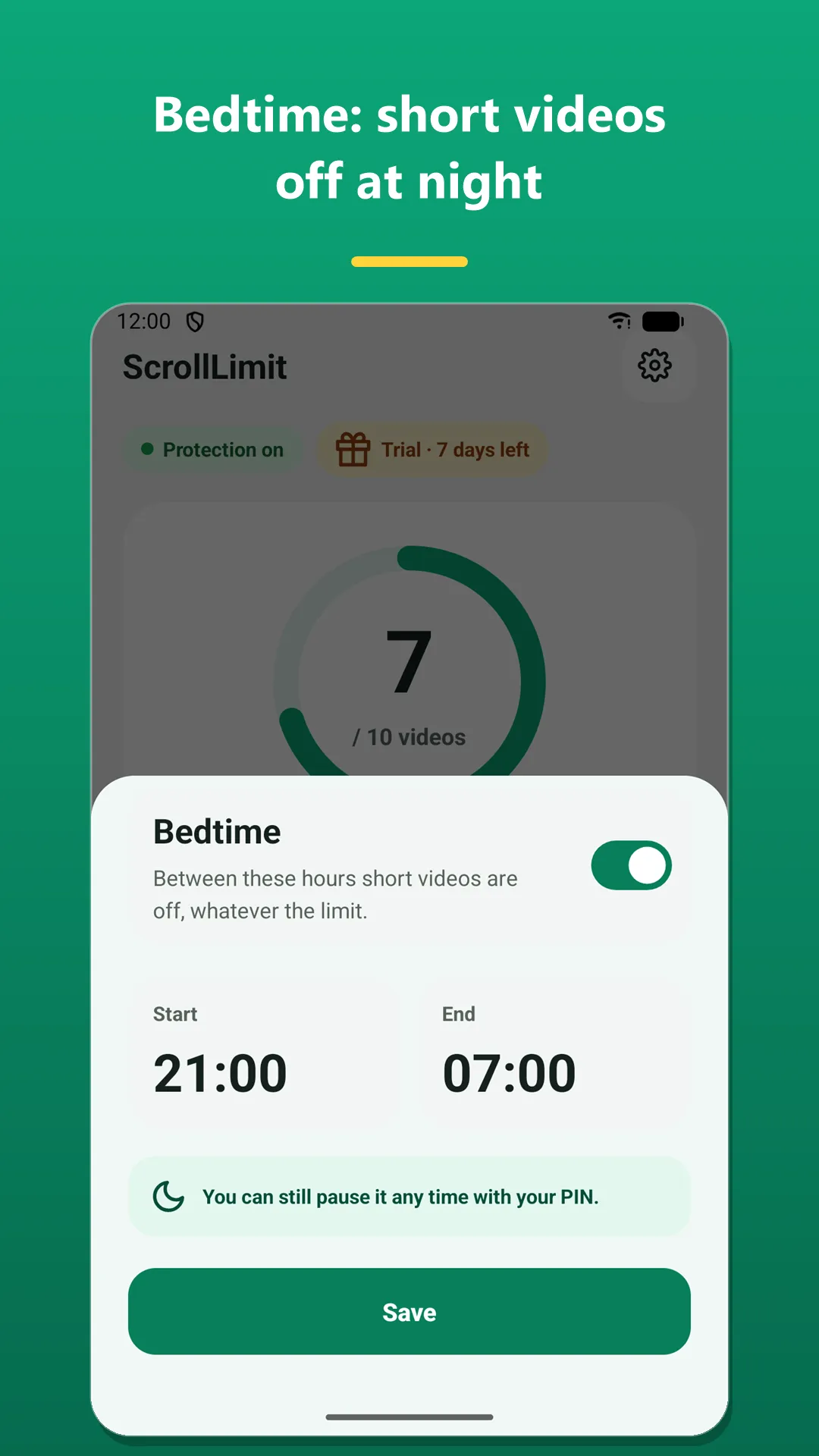
- Bedtime: short videos fully off at night
- +5 extra videos as a reward
- Reset the counter any time
Coming soon: Instagram and X support
Your child's data never leaves the phone.
There is no account or sign-in. Watched videos, the counter and settings are kept only on the device and are never sent to any server. The app has no ads, analytics or tracking SDKs.
Read the privacy policy →Frequently asked questions
How do I limit YouTube Shorts?
Install ScrollLimit, set a PIN and a daily video limit. The app uses the Android Accessibility service to count each Shorts video that opens and closes Shorts when the limit is reached.
Are regular YouTube videos blocked too?
No. Only short videos are counted and limited. Regular YouTube videos, homework and learning content stay available.
Can my child turn off or uninstall the app?
Settings are protected by the parent PIN. With uninstall protection on, the app cannot be removed without the PIN.
Which apps does it work with?
The free version works in the YouTube app and in browsers. Premium adds TikTok protection. Instagram and X support is coming soon.
Is Premium a subscription?
No. Premium is a one-time payment with no subscription. You can try it free for the first 7 days.
Where is my data sent?
Nowhere. All data stays on the device. The app has no account, no ads and no tracking SDKs.
